Learn how to set up a new project, add project details, pick a style, and finish creating your project.
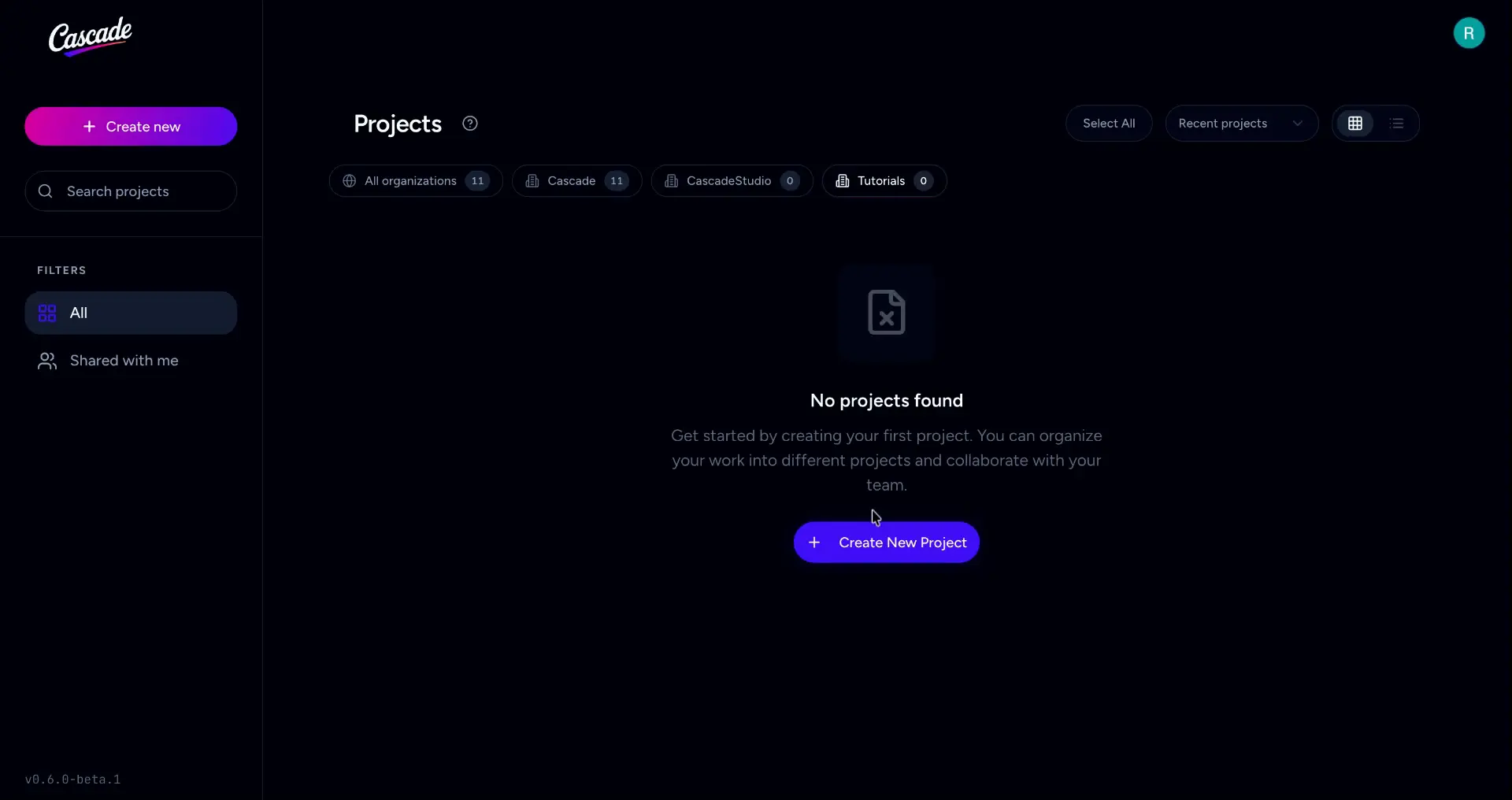
Click on Create New Project to get started.
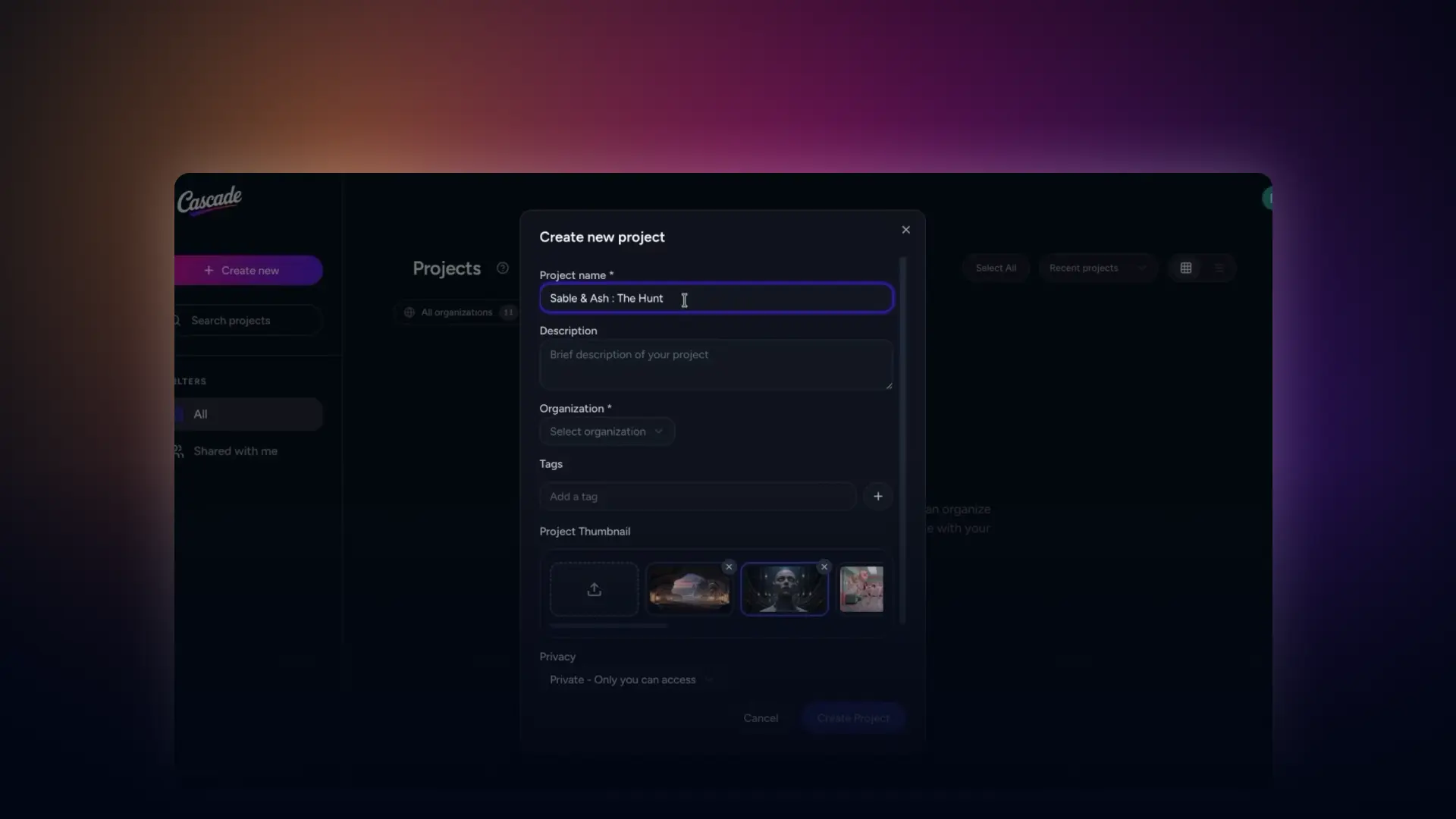
A pop-up will appear. Enter your project name, a description, and an organisation to group your project correctly.
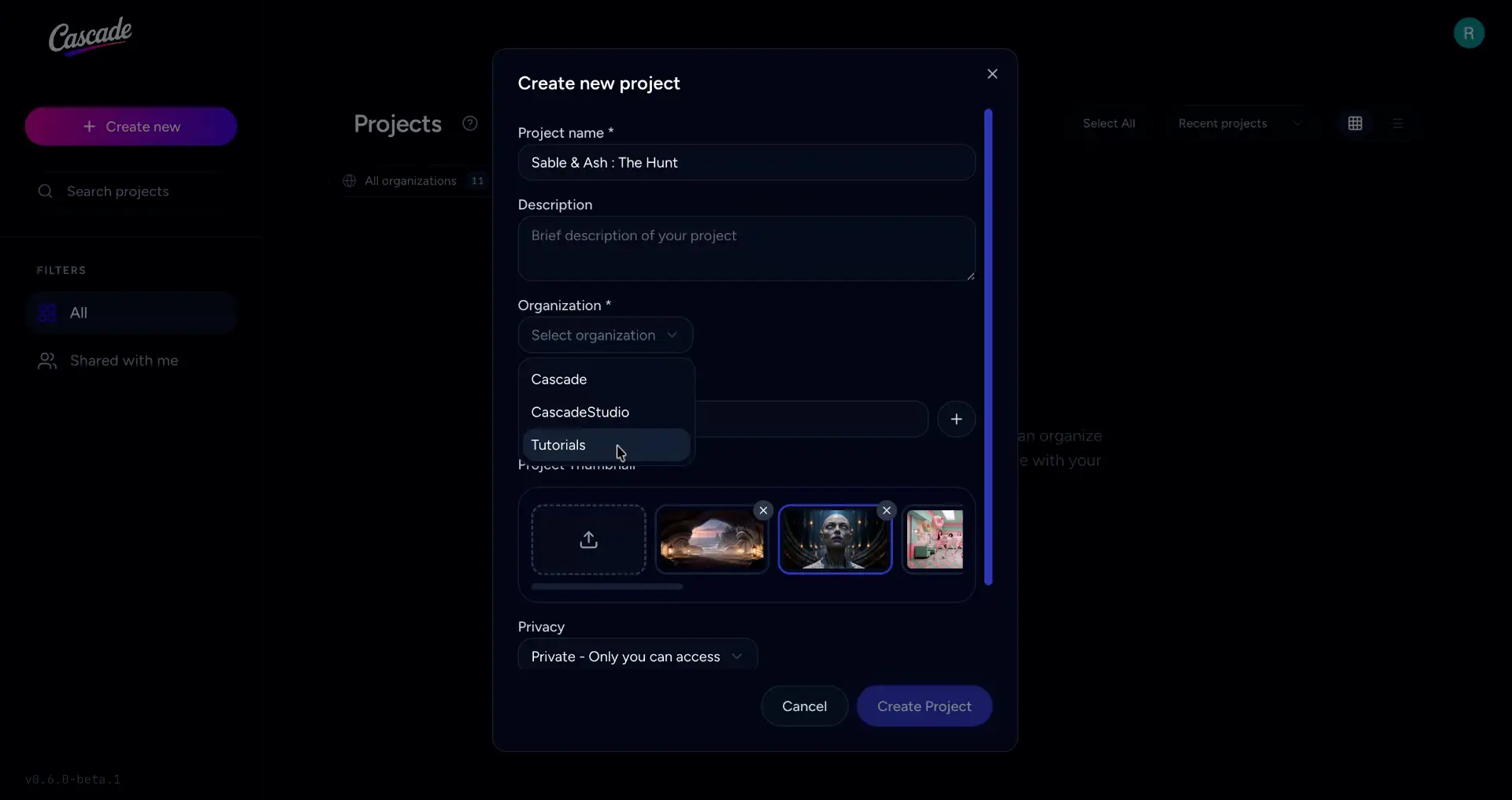
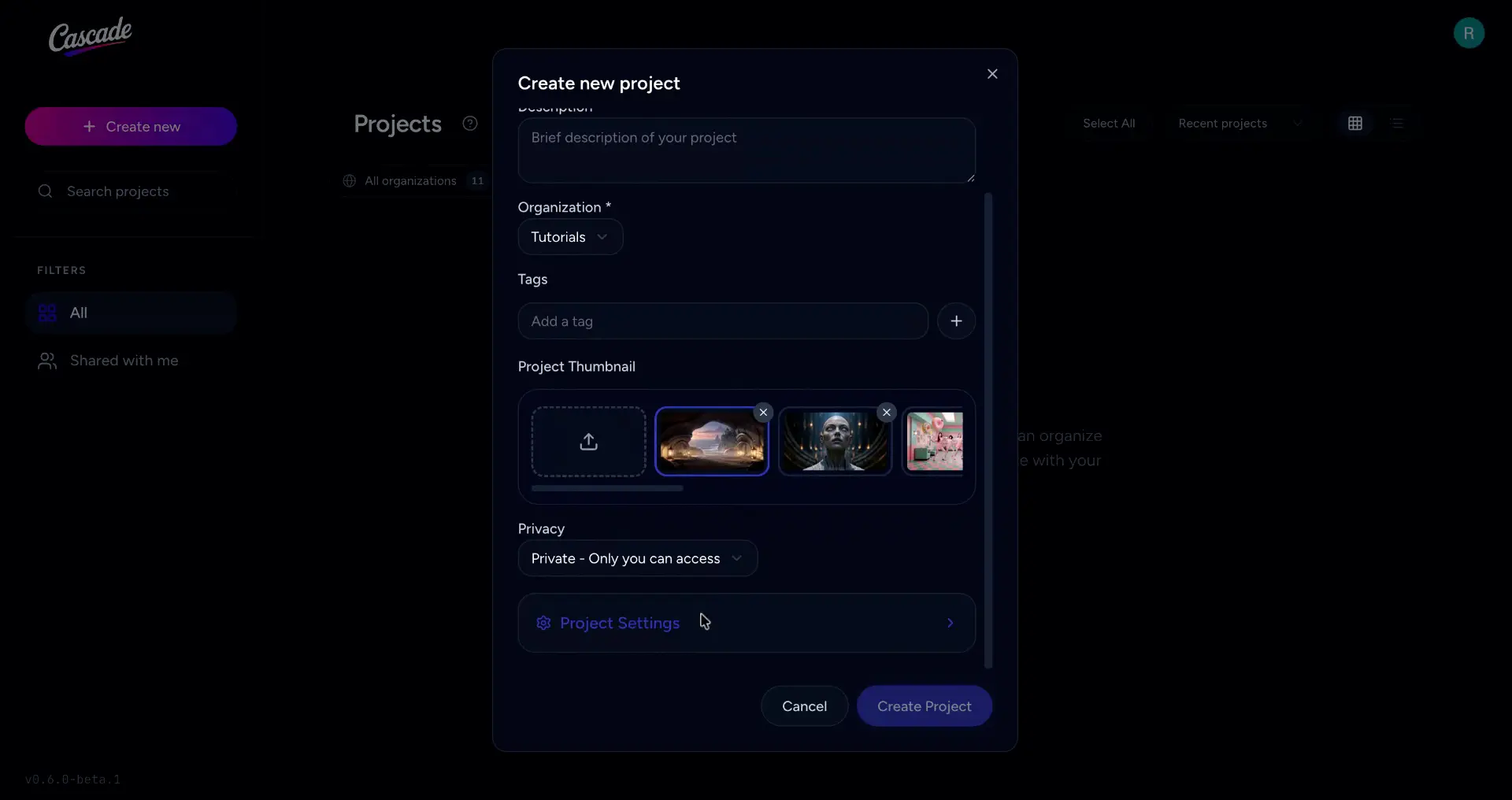
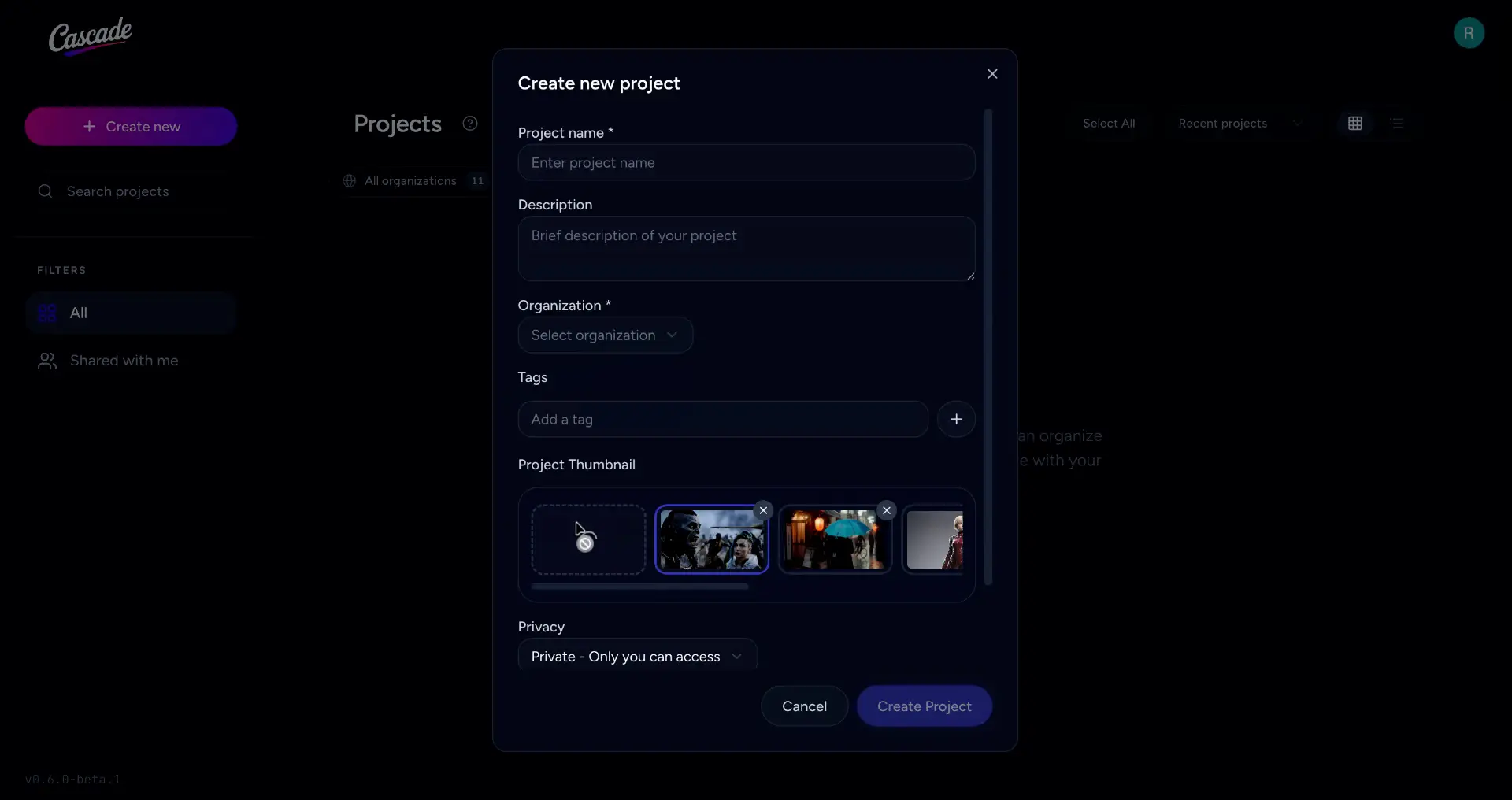
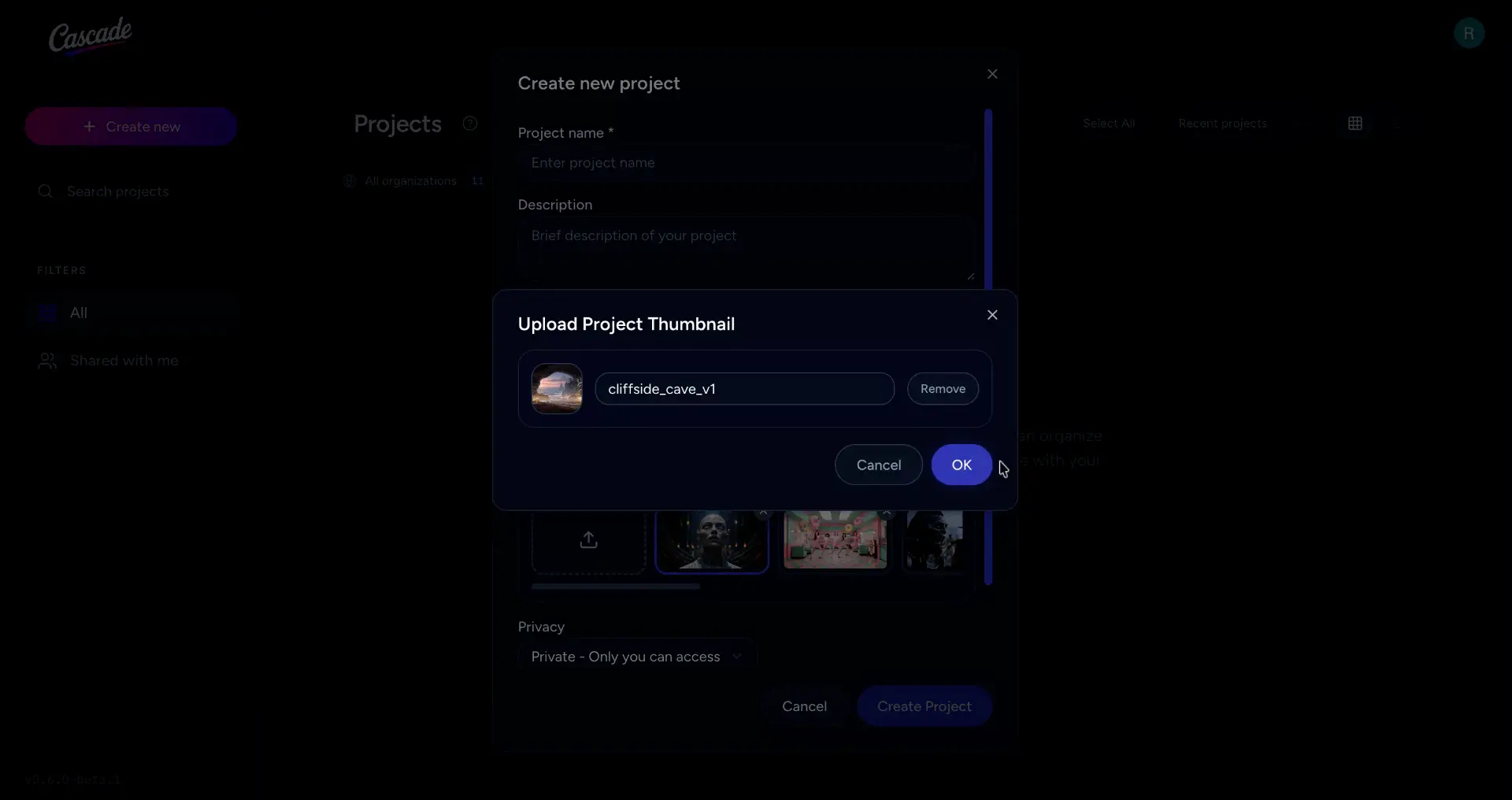
You can upload a thumbnail for your project by clicking the upload icon. Click to open the file browser and select an image from your computer. You can add a caption if needed, then click OK.
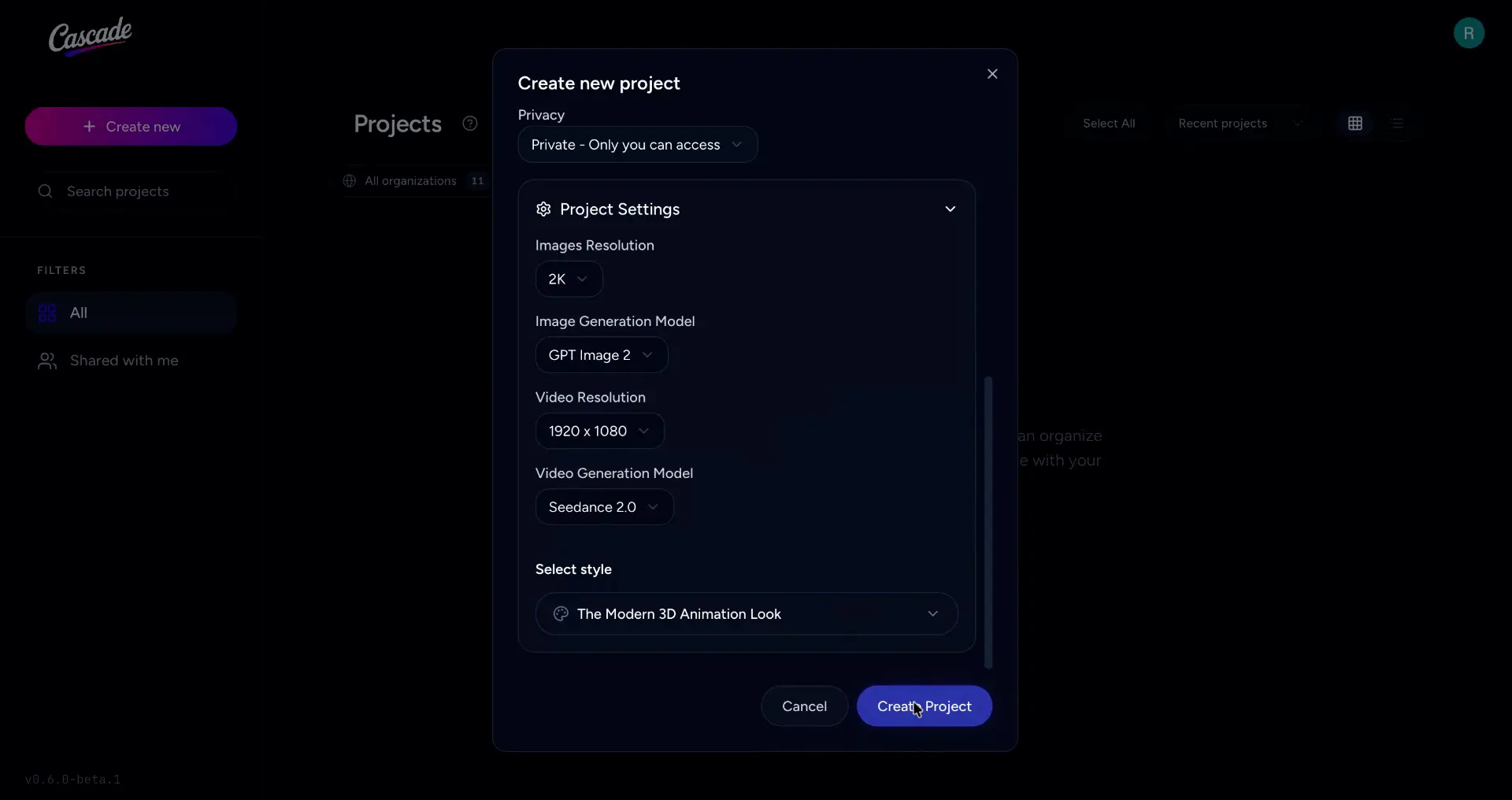
Open the Project Settings section.
Here you can select your preferred image resolution, image generation model, video resolution, video generation model, and visual style from their respective drop downs.
When you’re happy with your selections, click Create Project to finish.